My Account

Manage Inventory Manage Inventory
How To Guides How To Guides
Service Request Service Request
Apply for Cart Integration Apply for Cart Integration
Onboarding Onboarding

Your GUID/TPL for 3PL Central is
{63fc0016-d077-4b33-8805-8e3a604fcbfe} INLCUDING BRACQUETS!

How To Guides & Templates:
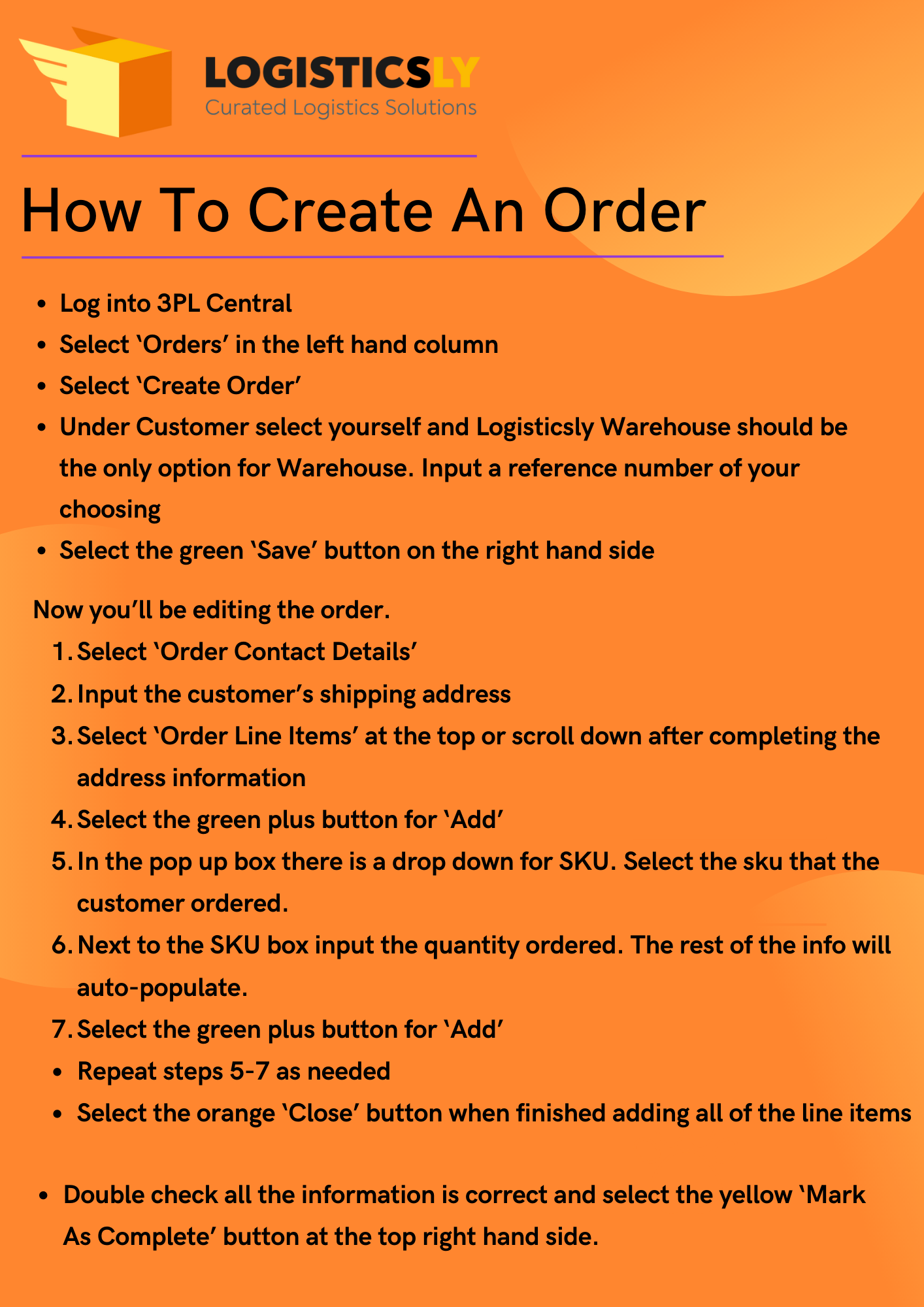
video How to Create an Order - PDF
video How to Create an Order - Video
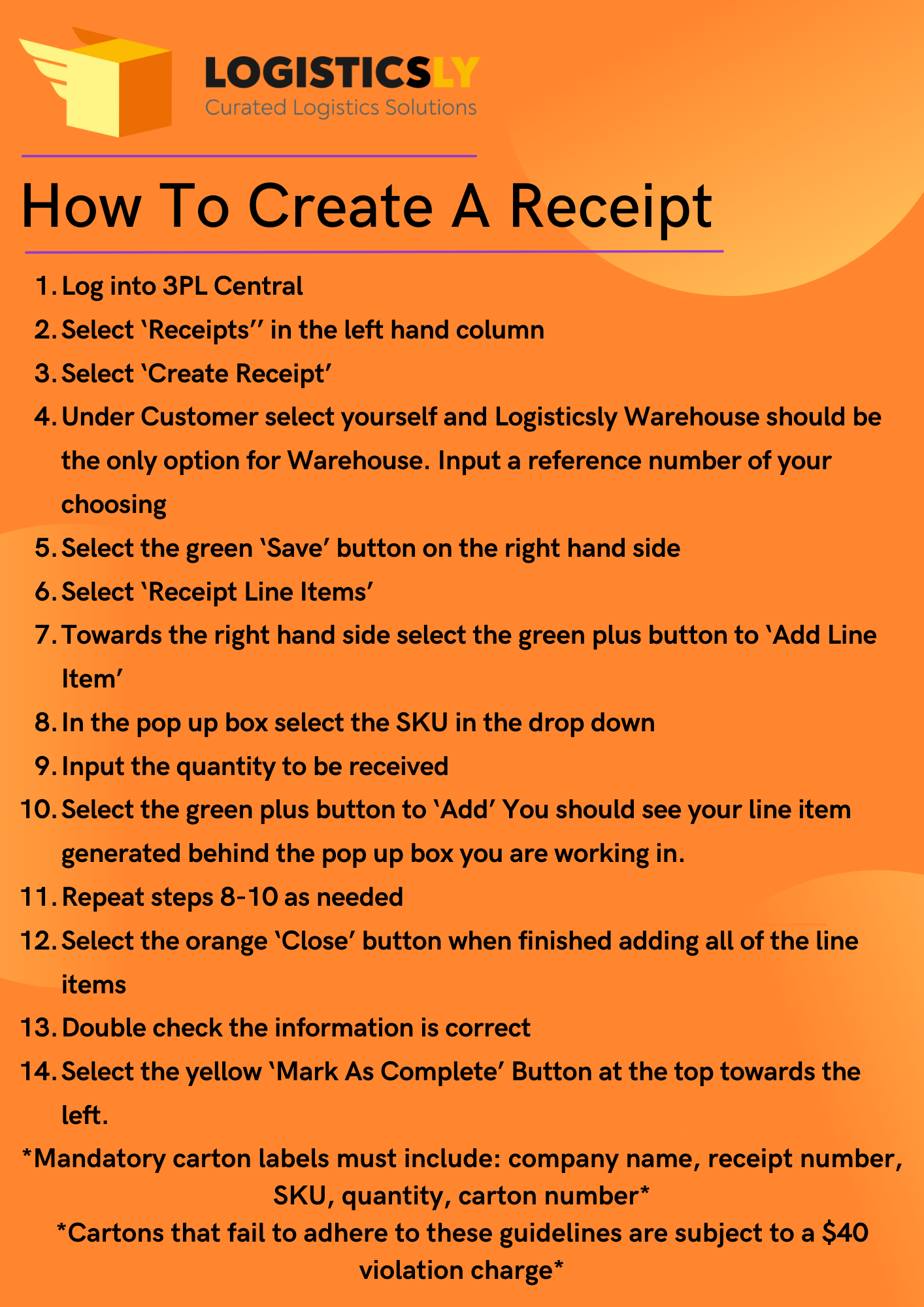
video How to Create a Receipt - PDF
video How to Create a Receipt - Video
video Updated Item Import Template
video Updated Carton Label Template

Service Request


    Apply for Cart Integration

      API Integration Survey

      0


      [group group-marketplace-type]


      [/group]

      [group group-shopify]


      [/group]

      [group group-amazon]


      [group group-amazon-buy-connection]

      Note: The customer must be an official member of Amazon's Seller Fulfilled Prime program to be eligible for this feature.


      [group group-official-member]


      [/group]
      [/group]

      For more information, please refer to this URL: https://docs.developer.amazonservices.com / en_UK / dev_guide / DG_Endpoints.html *


      [/group]

      [group group-woo-commerce]


      [/group]

      [group group-ships-station]


      [/group]

      [group group-ebay]


      [/group]

      [group group-volusion]


      [/group]

      [group group-magento]


      [/group]

      [group group-external-api]


      You must create a customer user for the developer in 3PL Warehouse Manager. Assign the login access to the preferred customer with a Role of 'Full Access' and Classic View Access as 'cust6'. Once this is completed, you can retrieve the user ID value from the Manage Users grid—you may need enable the ID column using a column header ellipsis.) *


      [/group]

      Upon completion of this survey, a ticket will be generated with your Dedicated Account Manager at Logisticlsy. You can expect outreach from your Account Manager within 2–4 business days.

      Onboarding

      Day 1

      Sign Service Agreement

      Day 2

      Send Full Inventory Catalog

      Day 3

      Schedule Your Walkthrough

      Day 4

      Begin Sending Inventory

      Day 5

      You Are Ready To Begin Selling!